
Living Learning System
The AI-native LMS for authoring, delivery, AI coaching and skills evidence. One system.
One change enters. The whole system responds.
Shared source changedBilling policy · v2Dispute window: 14 days → 30 days
- Billing SOPDraft for review
- Customer FAQDraft for review
- Billing disputesDraft for review
- Policy briefingDraft for review
Product captures with an illustrative policy change. Illustrative preview; automatic source tracing is in development.
Five steps. One system.
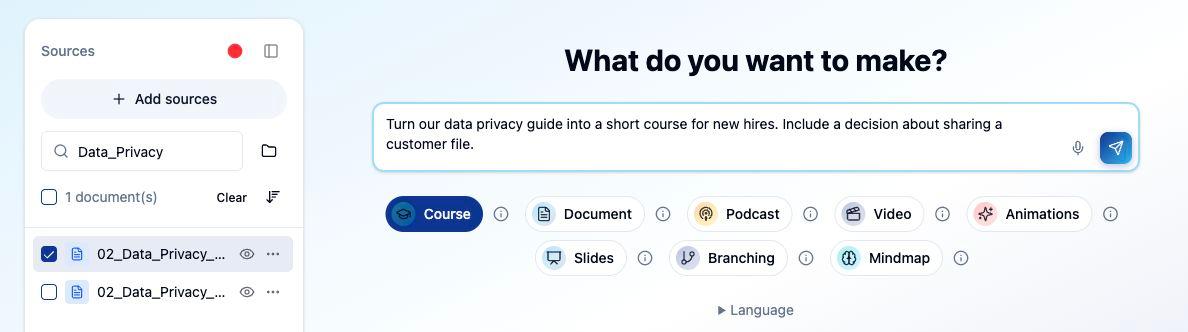
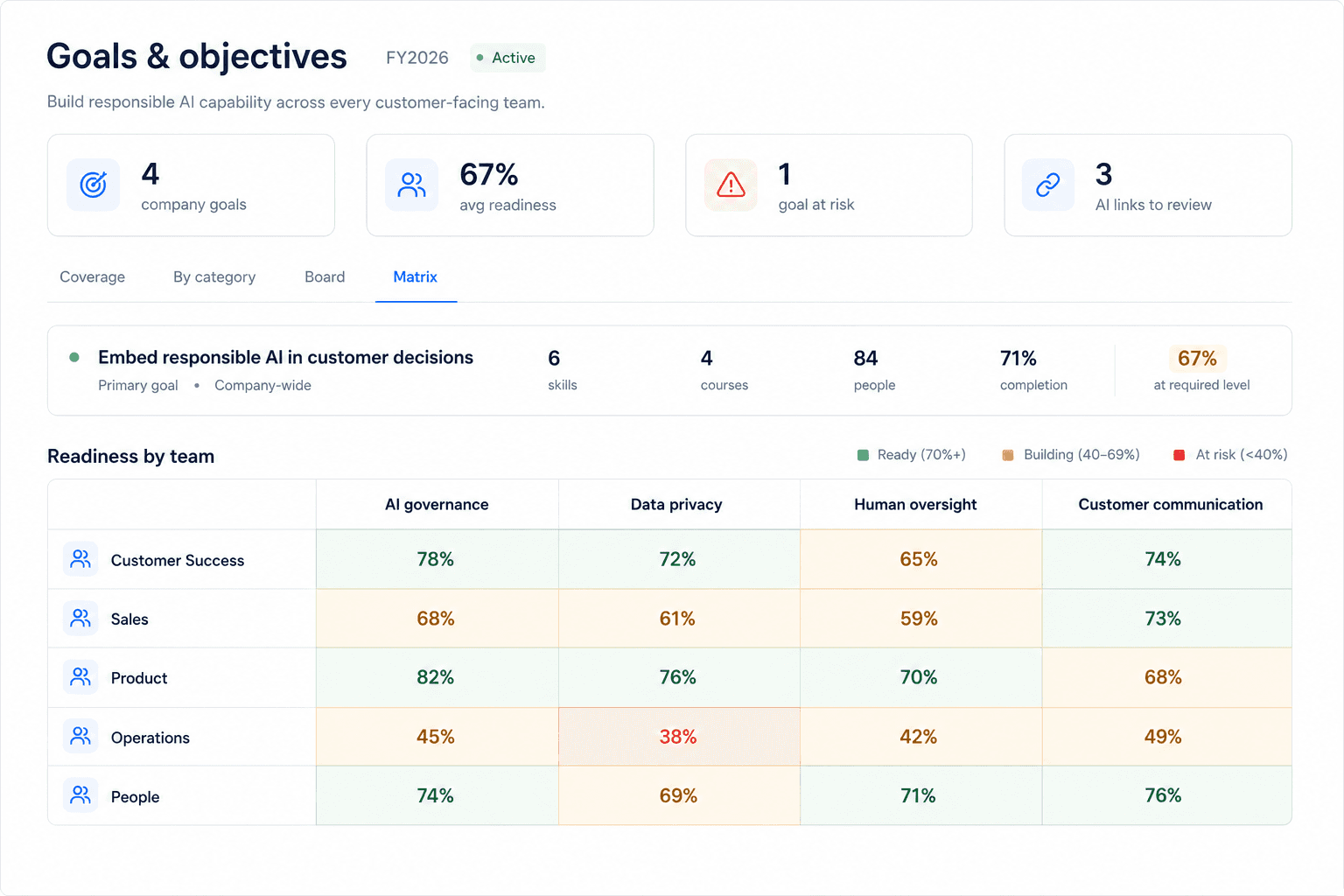
- Step 1 · GoalsGoalSet goals and objectives, and the skills behind them.Explore Goals
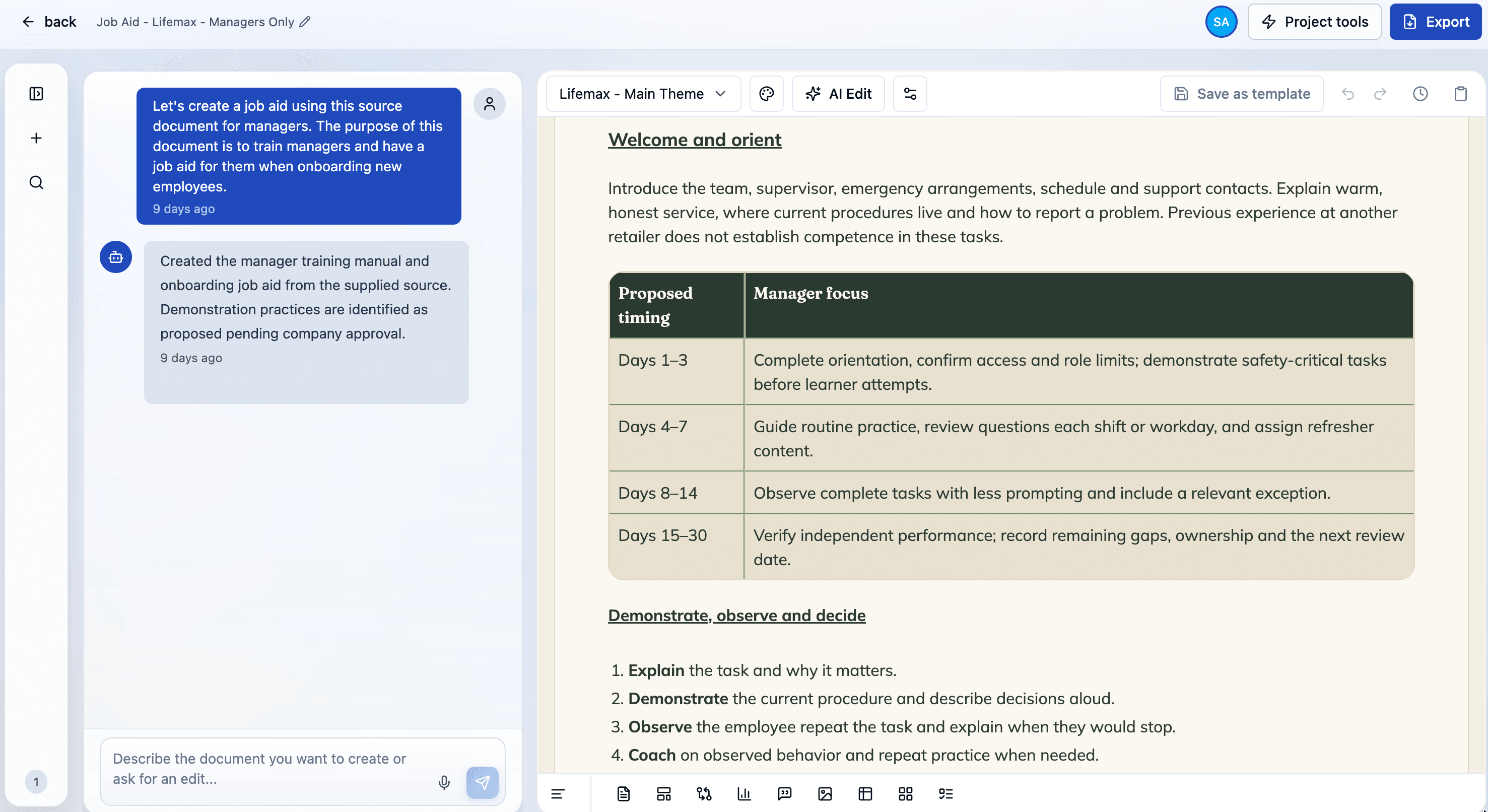
- Step 2 · Generate StudioCreateTurn your sources into courses, slides and documents.Explore Generate Studio
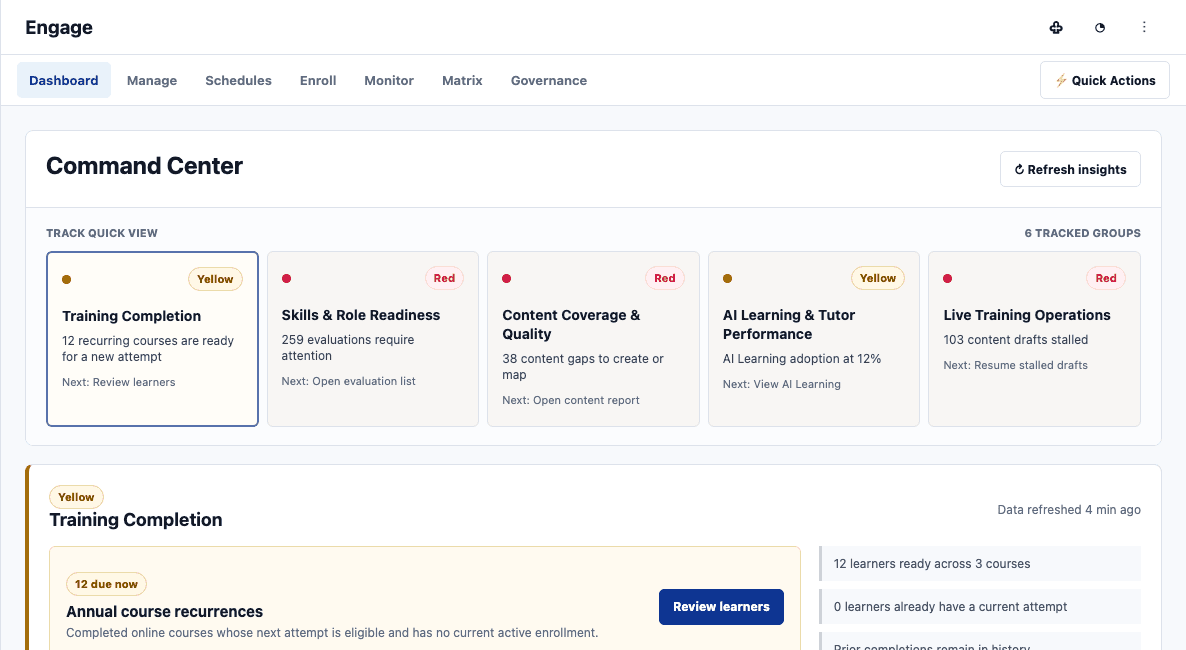
- Step 3 · EngageEngageDeliver courses, live sessions and customer portals.Explore Engage
- Step 4 · Learner Portal + AI CoachGuideAn AI Coach in context, with voice.Explore Learner Portal + AI Coach
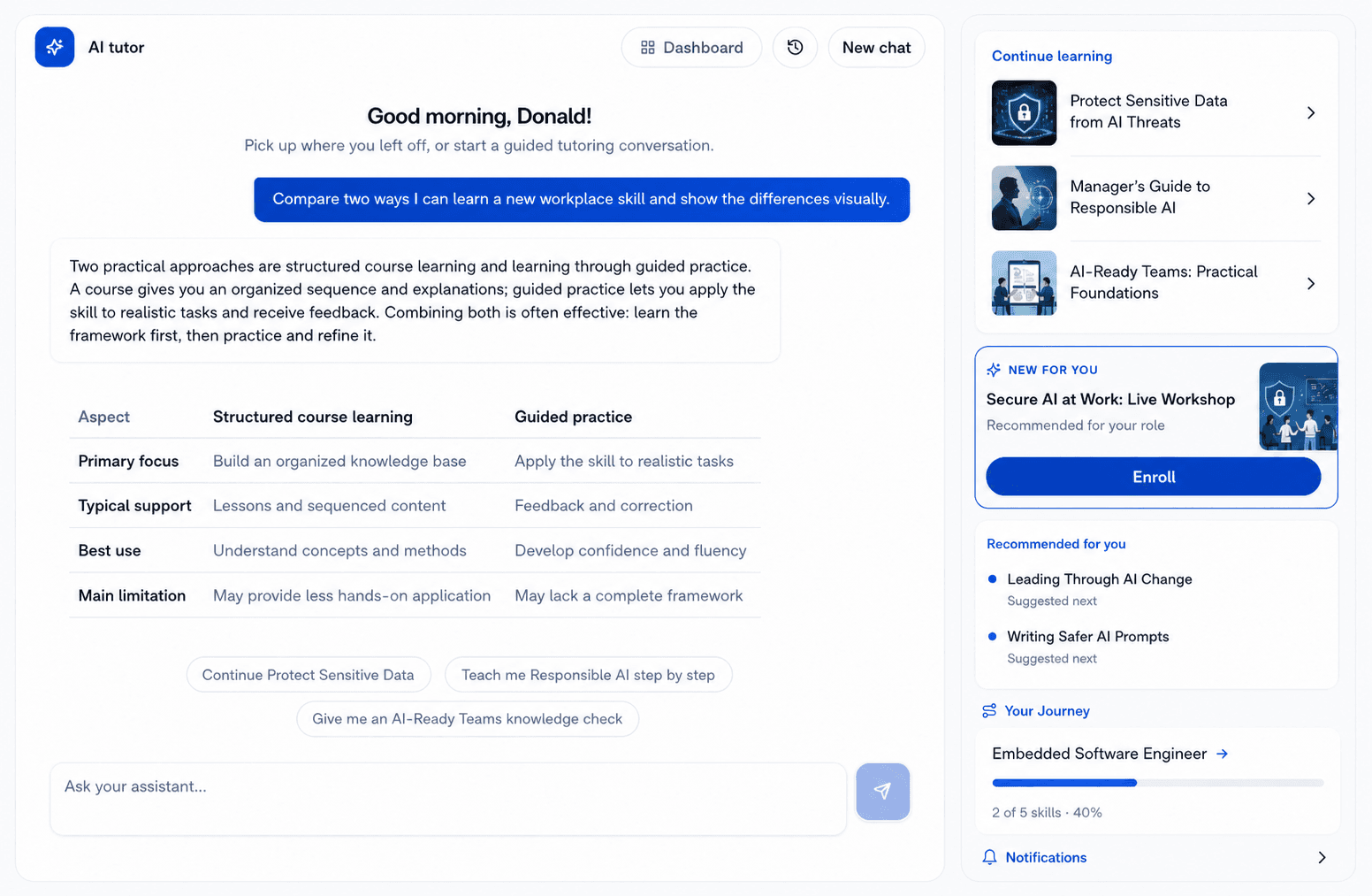
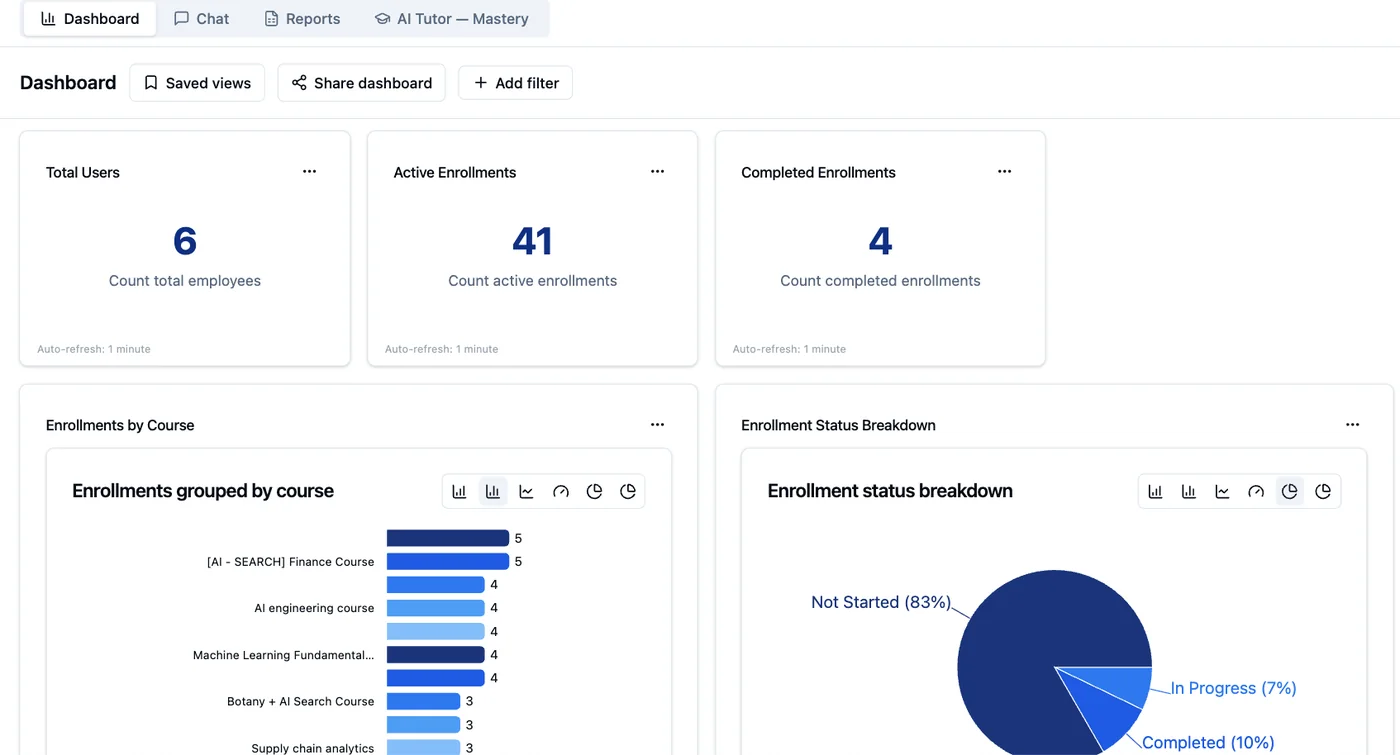
- Step 5 · AnalyzeProveAsk your data in plain language.Explore Analyze
Not one more LMS.
Static LMS
- Courses stay as they were on publish day.
- Every change means a manual rebuild.
- Help sits outside the lesson.
- Reports stop at completions.
Living Learning System
- Content starts from your own sources.
- Designed so one change reaches every linked item, with your approval.
- The AI Coach answers inside the lesson.
- Skills evidence goes beyond completions.
A full LMS
- Courses
- VILT live sessions
- Customer portals
- xAPI (cmi5)
- SSO
- Analyze: chat with your data
This is what comes out.
See a course lesson, finished slide, editable SOP, scenario practice, sample podcast waveform, and AI Coach in context.


Podcast · illustrative example
Illustrative waveform for an audio learning format.

AI Coach · in the Learner Portal
An AI Coach that is always there. Voice included.
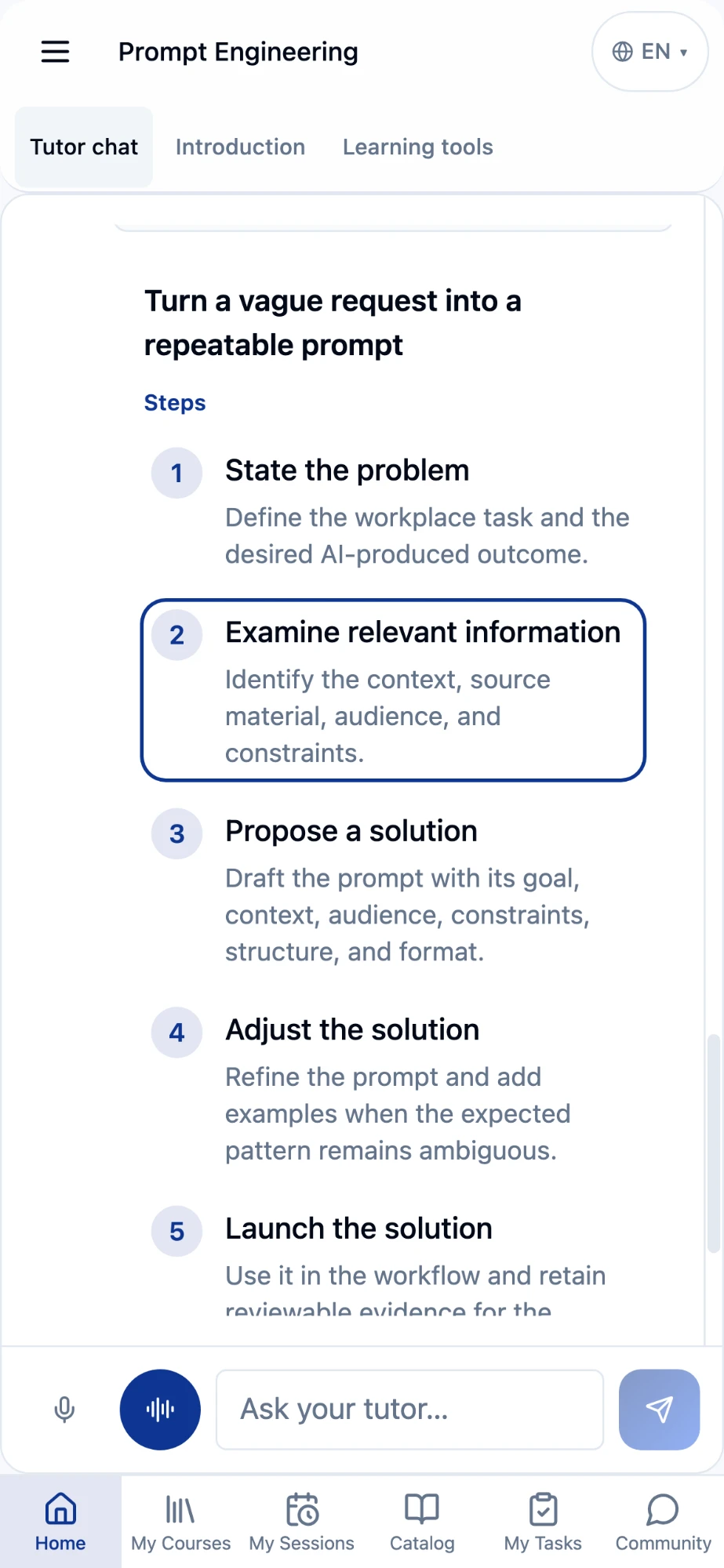
Ask what to do next and it answers from the course. Talk to it out loud on the way to work. It knows the lesson, the steps, and why they matter, and it says so when the material does not cover a question.
Live voiceNext step, explainedCites the lessonPhone, tablet, desktop
Product captures · illustrative courseExplore the Learner Portal & AI Coach 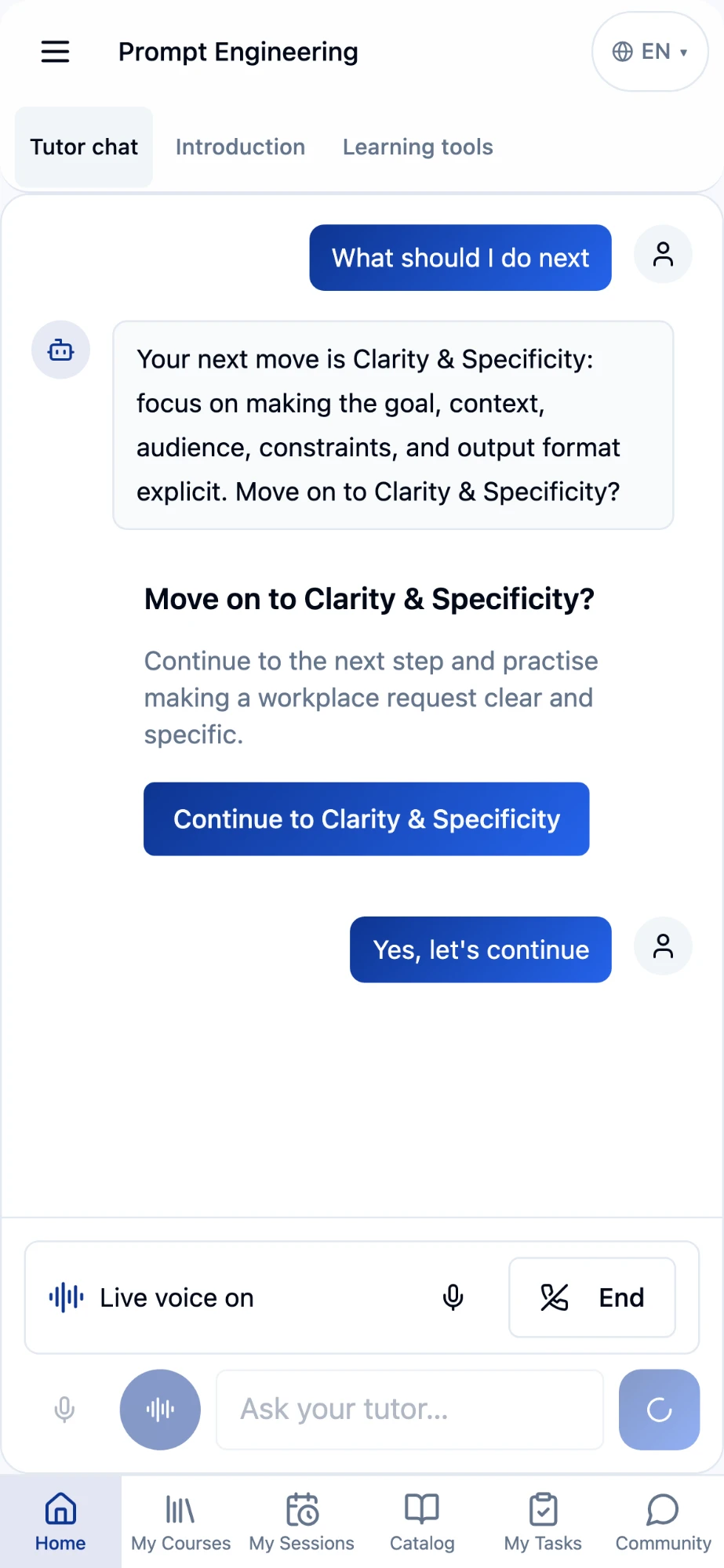


And underneath, everything an LMS does.
Enrolments, VILT live sessions, customer portals, xAPI and cmi5, single sign-on. And Analyze, where you ask your learning data a question in plain language and get a chart back.
Microsoft TeamsSlackGoogle MeetZoomMicrosoft EntraxAPIcmi5
Product captures · illustrative dataExplore the AI-native LMS Bring one document. Leave with a course, a deck, and an AI Coach.
Twenty minutes with the founder, on your own material.
Book a demo